

The renovation turned out even better than we pictured. Everyone involved was easy to talk to and kept us in the loop through every stage. Work moved along smoothly and the results look fantastic. Friends keep asking who did the work.

We recently had our outdated bathroom remodeled by Golden Shore Design and Build, and Chris was exceptional throughout the entire process. His attention to detail and commitment to quality truly transformed our space into a luxurious retreat. I highly recommend their services for anyone looking to upgrade their home.

The whole house renovation gave our place a fresh new feel. Each room flows naturally into the next. We are proud of how it all turned out

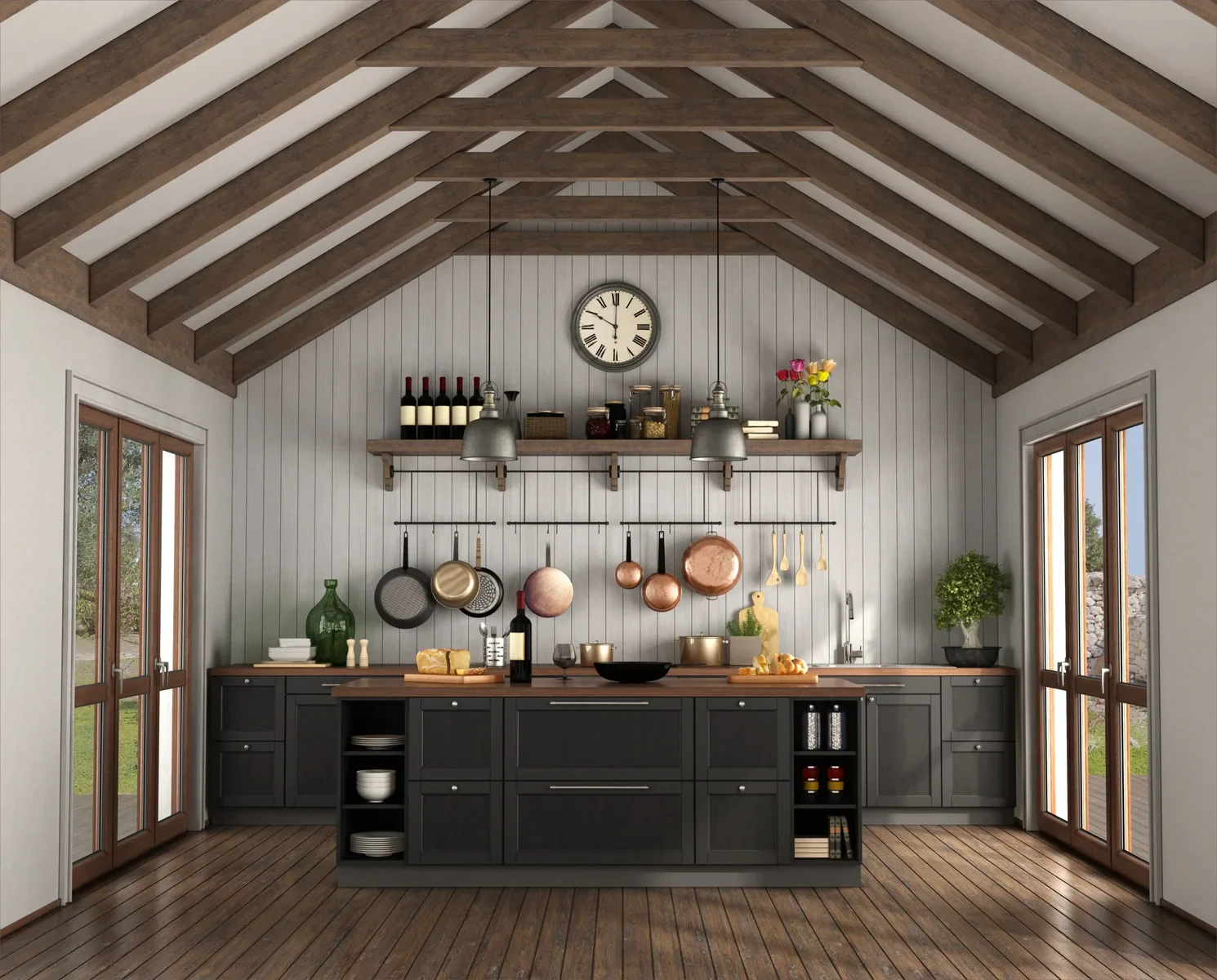
We recently finished a complete kitchen renovation and are very satisfied with our construction and renovation firm. From the initial design consultation through to the final walk-through, the staff at this company displayed a remarkable level of professionalism and knowledge. Our project manager kept us fully apprised of the progress through daily updates and was very responsive to all of our inquiries. The staff were very considerate, on time, and maintained a remarkably clean construction site, causing little disruption to our daily routine. The workmanship is of the highest quality, and they completed the project right on time and within the agreed-upon budget with no surprises.

Professional builders providing neat finishes and smooth project coordination.

The remodel on our place included a few tricky parts but this team knew exactly what they were doing. Their design sense made the layout flow better than it ever has. It feels like a real upgrade in terms of value.

I brought them in for a full home remodel and the whole experience felt smooth and straightforward. Their design ideas actually made the renovation feel exciting instead of stressful. You can tell the builders care about a quality build from start to finish.

I hired them for a residential remodel, and I’m blown away by the results. The design process was smooth and collaborative, which made the whole project stress-free. These guys really know how to deliver a great renovation.

My bathroom and kitchen renovation turned out strong across the board. Their remodel contractor kept communication easy and never made things confusing. The quality build shows and the place feels refreshed in the best way.

I had this business remodel two bathrooms and both turned out perfect. They made sure I was comfortable while the work was being done. The results speak for themselves.
Creating a 3D design for free is accessible with several powerful software options. For beginners, Tinkercad is an excellent web-based tool with a simple drag-and-drop interface, ideal for basic models and 3D printing. For more advanced modeling, Blender is a premier, open-source software supporting intricate modeling, animation, and rendering. Fusion 360 offers a free personal-use license for hobbyists, providing robust parametric and CAD modeling tools. For architectural and interior design, SketchUp Free provides a web-based platform for creating 3D structures. Start by defining your project scope, utilize online tutorials from platforms like YouTube, and practice with simple shapes to build your skills progressively.
For free 3D prints, explore online communities and local resources. Many public libraries now offer 3D printing services at no cost or for a minimal material fee as part of their maker space initiatives. University campuses often have labs open to students and sometimes the public. Online platforms like Thingiverse and MyMiniFactory provide vast libraries of free, downloadable 3D models, though you need access to a printer. Additionally, check for local maker spaces, hackspaces, or business incubators in your area, as they frequently provide community access to 3D printing equipment, often after a basic orientation or membership. Always verify any usage policies or material restrictions beforehand.
The current best-selling 3D prints often fall into three key categories. First, functional home and organization items, like custom drawer dividers, tool holders, and kitchen gadget stands, are consistently popular for their practicality. Second, niche hobbyist supplies, including detailed miniatures for tabletop gaming, unique cosplay accessories, and custom parts for RC vehicles, have a dedicated market. Third, personalized gifts and decor, such as name plaques, lithophanes, and bespoke phone cases, see strong demand around holidays. Success typically comes from identifying a specific need within a community, ensuring high print quality and durability, and offering customization options that mass-produced goods cannot match.
For 3D design, the best application depends heavily on your specific project and industry. For professional architecture, engineering, and construction (AEC), Autodesk Revit is the industry standard for Building Information Modeling (BIM), integrating intelligent 3D models with crucial data. For more artistic or freeform architectural visualization, interior design, and product modeling, SketchUp is renowned for its intuitive interface and speed. For high-end rendering, animation, and complex modeling, 3ds Max or Blender (a powerful free, open-source alternative) are excellent choices. A professional design-build firm typically utilizes a suite of these tools, with Revit for core construction documentation and coordination, and other software for specialized visualization and client presentations.
For those seeking free 3D print models, numerous reputable online repositories offer vast libraries of downloadable files. Key platforms include Thingiverse, Cults 3D, and MyMiniFactory, which host millions of user-generated designs ranging from practical tools to artistic sculptures. When downloading, always check the license (typically Creative Commons) for commercial use restrictions. For professional architectural or product design applications, using these free models for prototyping or conceptual visualization can be highly efficient. However, for final client presentations or construction-ready components, investing in professionally engineered, certified models or creating custom designs is often necessary to ensure structural integrity, dimensional accuracy, and compliance with specific project requirements.
Finding high-quality free 3D models is a great way to explore additive manufacturing. For architectural and design professionals, platforms like Thingiverse and Printables offer extensive libraries of decorative objects, functional prototypes, and conceptual pieces. For more technical and engineering-focused models, GrabCAD Community provides files often shared by engineers. When using free models, always check the license for commercial use restrictions. Prioritize models with good documentation, clear print settings, and positive user reviews to ensure successful printing. This approach allows for cost-effective experimentation and can inspire custom design solutions for client projects.


66 reviews